
HR Technologies
Replacing Manual Time Tracking with a Digital System: 7 Steps

Marlen Kothen
on November 6, 2026 • 4 min. reading time
Growth needs scalable processes, and that includes time management. Manual timesheets and Excel lists cost HR time every month: copying data across, chasing queries, fixing errors. This guide shows you how to plan the switch to a digital system without disrupting your month-end close.
From paper and Excel to digital time tracking in a few steps
The selection process
If you want to simplify time tracking in the workplace, the first challenge is choosing a system. A structured approach works best:
1. Assess your current situation
Write down how time is recorded today:
- Who uses timesheets, who uses Excel, and who records nothing at all?
- Where do queries and corrections come up?
- How long does it take to prepare the monthly data for payroll?
You can use these figures later to measure success. They also help you define your specific requirements for the next step.
2. Define your requirements
List every working time account model used in your organisation: flexitime, trust-based working hours, core hours, shift schedules or overtime rules.
Set up clear approval workflows, for example who approves time corrections or late entries. Decide how the data will reach payroll, for instance via a DATEV interface or your tax adviser. To be ready for the time management software comparison, label each requirement straight away as MUST, SHOULD or OPTIONAL. Tip: Compare providers against your own requirements using our free downloadable template. The matrix then automatically calculates a score for each provider.
3. Get stakeholders on board early
Involve the works council (Betriebsrat), your data protection officer and team leads from the start. Transparent communication is key: the goal is to protect employees from overwork and pay fairly for extra hours, not to monitor performance or behaviour.
4. Choose a system
Compare two or three providers against your MUST criteria. Test each system with real cases from your business, such as a night shift or a correction made by a manager.
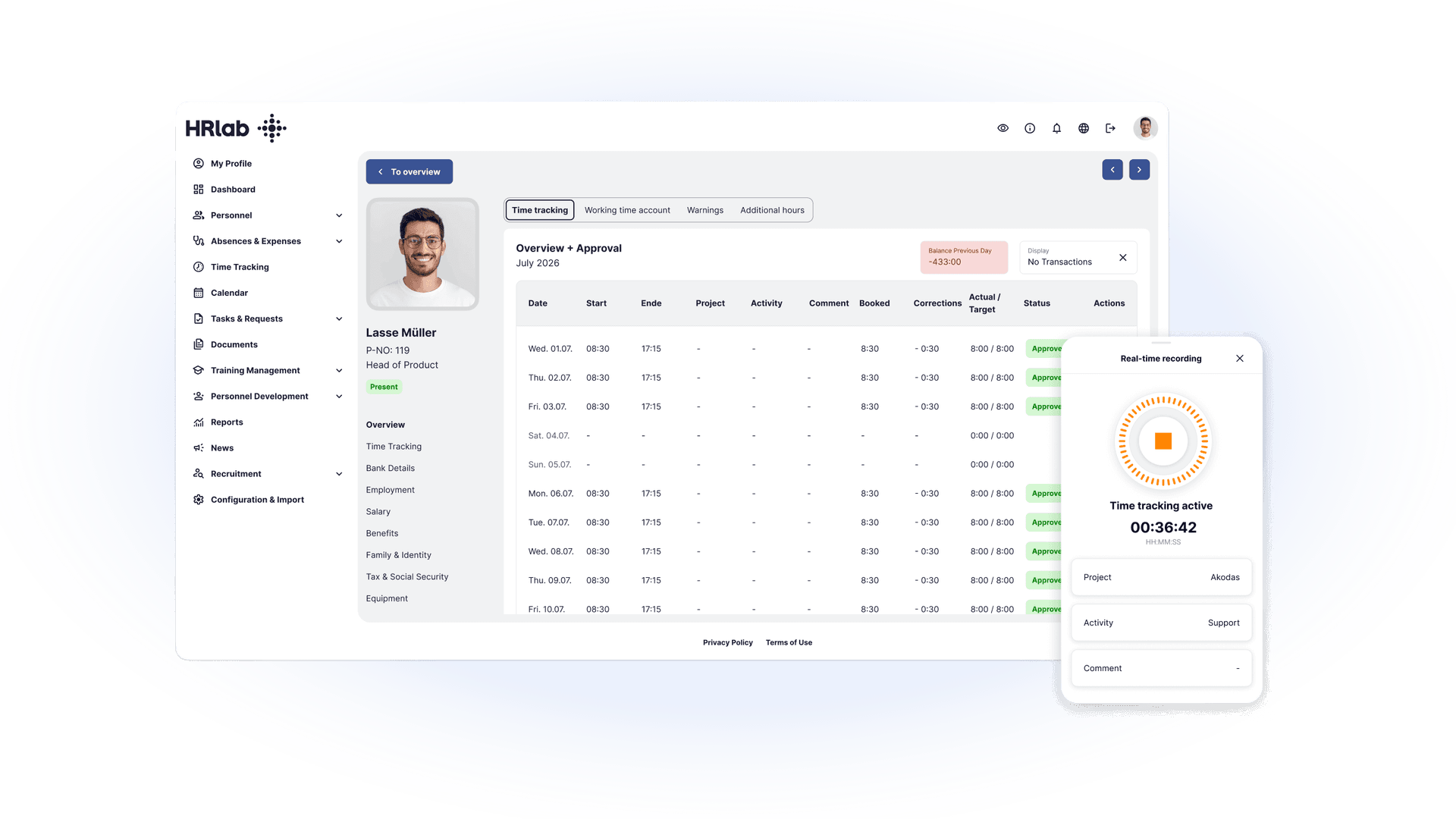
Implementation phase
5. Start with a pilot team
Begin with one team that covers your typical cases. At first, let them record time in parallel on paper or in Excel and compare the results. This helps you spot incorrectly configured break rules or working time models before they affect everyone.
6. Set a cut-over date and transfer balances
Choose a cut-over date, ideally the first day of a month. On that date, transfer overtime balances and remaining annual leave from the old lists. Ask employees to confirm their balances to avoid disputes later.
7. Train, go live and check the first month-end close
Run a short training session showing how to clock in and out, how to make corrections and how to submit leave requests. Check the first month-end close particularly carefully, especially the handover to payroll.
3 common pitfalls when switching
- Working time models not fully mapped: Special cases such as on-call duty, mini-jobs or different break rules often only surface once the system is live. Collect all of them in step 2 and test them during the pilot.
- Old balances transferred without checks: Otherwise, errors from Excel carry over into the new system. Have employees and managers confirm overtime and remaining leave before the cut-over date.
- Team not brought along: If people don’t see the benefits, time tracking feels like surveillance. Show employees what’s in it for them: their own overtime account in the app, leave requests in one click, no more paper slips.
Case study: From paper to digital in two weeks
The Bikers Point group, with around 80 employees, replaced its paper timesheets with HRlab. Digital time tracking was running smoothly after just two weeks. Today, the company also uses employee self-service for leave requests and automated payroll preparation. Read the full success story here.