
Working Time Account
Stay on top of your team's hours with the HRlab tool for working time account. View working time models, live balances, and pending approvals in a single glance. No more overlooked overtime or missed alerts—just pure transparency for HR, managers, and staff.
Cloud-based
Thanks to cloud technology (SaaS), HRlab is ready to use in no time, intuitive to handle, and adapts flexibly to your HR processes.
Focus on SMEs
HRlab is tailored specifically to small and medium-sized enterprises as well as growing businesses with up to 2,000 employees.
Maximum Data Security
HRlab is hosted exclusively in high-security data centers in Kempten and Berlin – ISO-certified and GDPR-compliant.
A Time Account Tool as Flexible as Your Accounts
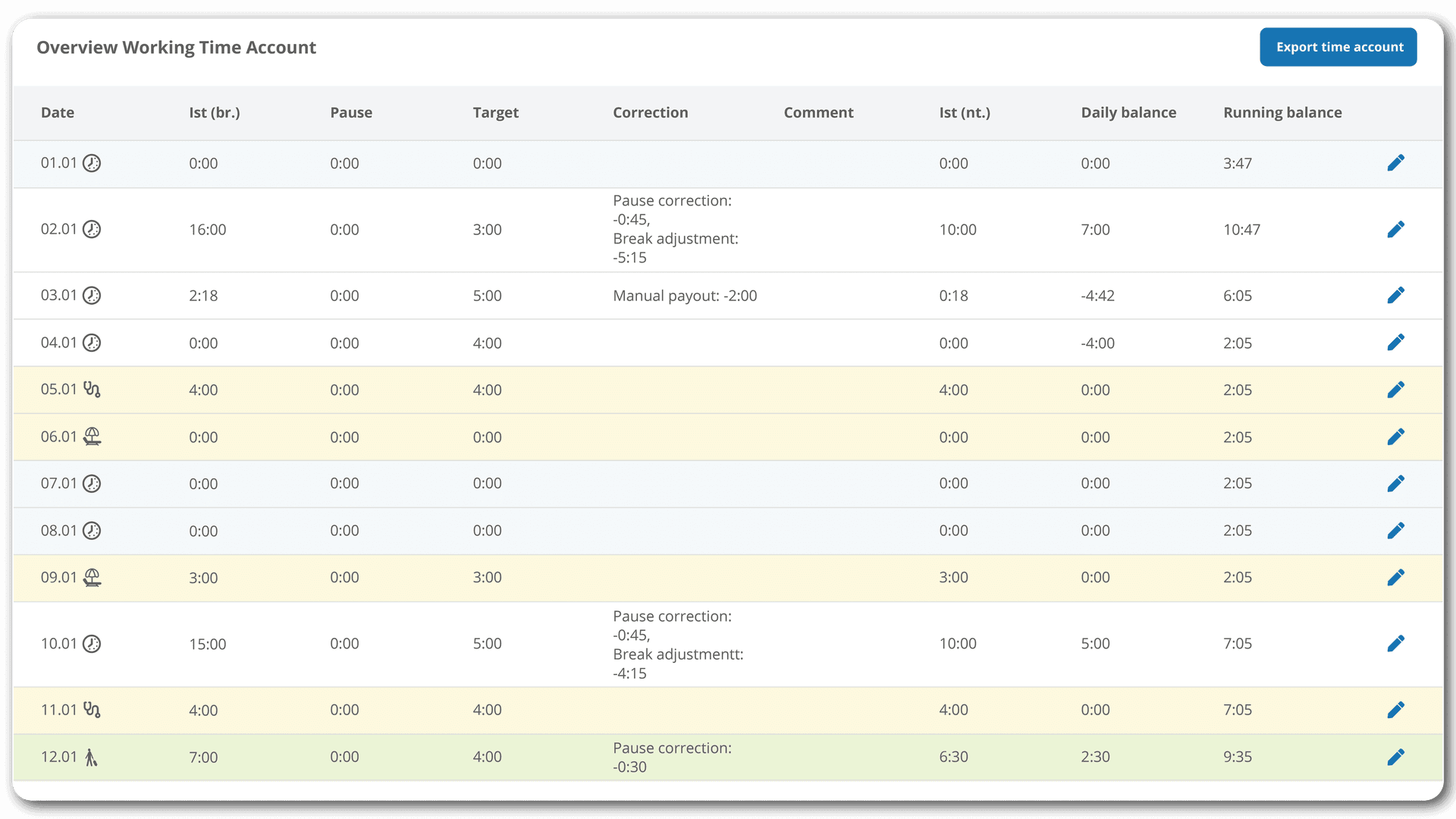
HRlab supports all common working time models, from flextime and shift work to part-time arrangements. Individual target hours, surcharges, break corrections, and special regulations are factored in automatically. Approval workflows can be customized to your needs, ensuring that the management of working time accounts remains smooth and efficient.
Automated Tracking and Maintenance at Your Fingertips
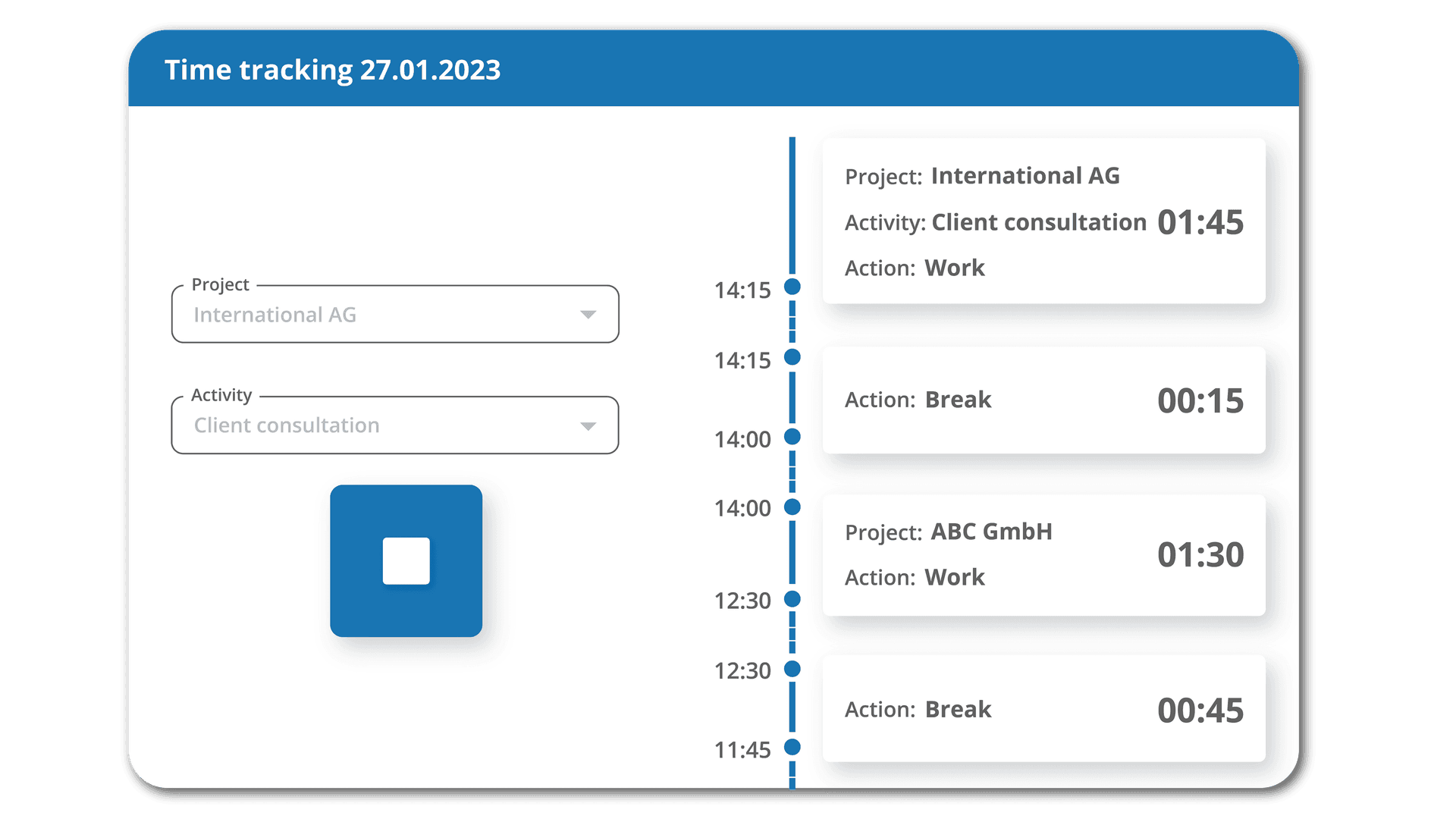
Every time entry is synced directly with the tool, allowing for a flexible assessment of time off. The system automatically handles overtime, negative balances, and compensatory days, ensuring that absences like annual leave or sickness are correctly accounted for. With HRlab, you get full control over surcharges and non-billable time slots through extensive configuration settings.
Double the Time Savings with Payroll Integrations
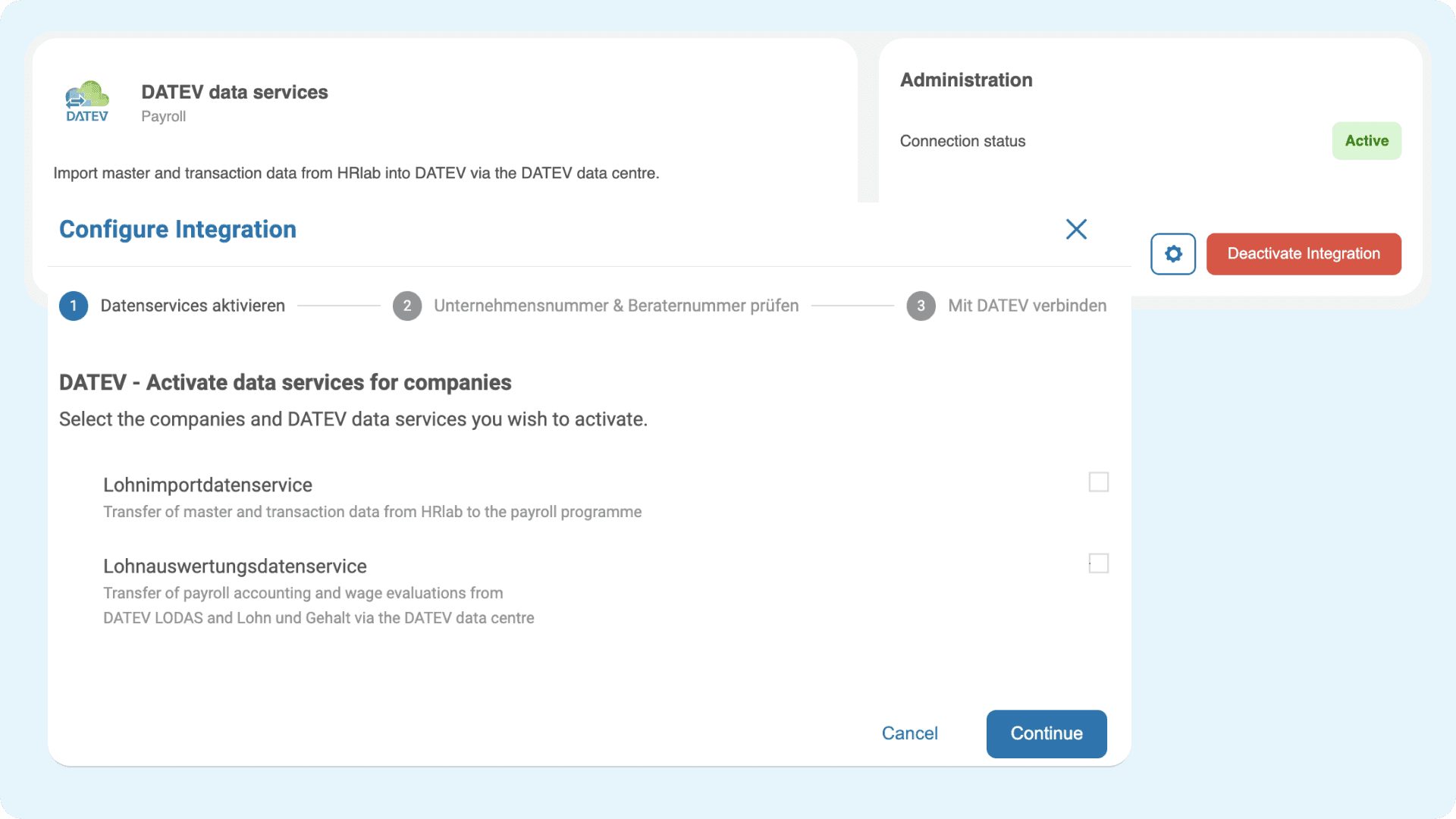
Information from time accounts can be seamlessly transferred to DATEV or other payroll software. Both master data and transactional data are exported automatically, saving time and preventing manual entry errors. This makes payroll preparation significantly more efficient.
Time Account Tool – The HRlab Customer Experience
The Search for a Time Account Solution
The Krapp Group operates in trading, construction projects, and services—with a large workforce both in the office and in field service roles across Germany. Before HRlab, working hours were recorded traditionally via clocking systems and terminals, and employees had no direct access to their own data. Overtime, leave requests, and corrections were handled exclusively by the HR department, leading to significant manual effort and delays.
The Solution: HRlab
HRlab empowered employees to manage their own time tracking, file digital holiday requests, and track time account adjustments personally. With automated approval workflows, managers and HR stay fully informed without the manual back-and-forth. The platform’s ability to handle complex work models, break rules, and calculation logic slashes administrative overhead and prevents errors. To top it off, all data is delivered seamlessly to payroll for a frictionless end-to-end process.
Customer Conclusion
"The HR software of our choice had to meet many requirements, as both our office colleagues and those in the field needed equal access to the system. HRlab’s Time Account tool delivered exactly that. It was also important to us that we could store and apply our calculation logic, such as various break regulations. Thanks to comprehensive time accounts and detailed rights management, HRlab allows us to map these requirements with high precision." Kathrin Garwels, Head of HR at Krapp Group
FAQ
How is a time account calculated?
A working time account shows how many hours an employee has actually worked compared to their target hours. All hours worked are recorded, overtime and undertime are calculated automatically, and breaks, vacation, sick leave, and surcharges are factored in. The account is updated in real-time, allowing employees and HR to view the current balance at any time. Depending on company policy, credit can be paid out, taken as time off in lieu, or carried over to the next billing period.
How does a working time account work?
In HRlab, a working time account operates automatically and transparently for employees, team leads, and HR. First, the target working hours for each employee are stored in the system. All recorded hours—whether from the office, field service, or shift work—flow directly into the account. Overtime, undertime, breaks, vacation, or sick leave are automatically accounted for, and approval processes are handled digitally via HRlab. Employees can view their current balance at any time, while HR maintains full visibility. This reduces errors, minimizes administrative tasks, and ensures reliable compliance with working time regulations.
Which app can I use for my time account on iPhone?
To manage your HRlab time account on an iPhone, you can use the official HRlab app. The app allows you to view and manage your working time account anytime, from anywhere. It is available to all employees with an active HRlab account. The app is free to download from the App Store and offers comprehensive features for time tracking and absence management.
Features of the HRlab app on iPhone:
- Real-time and manual time tracking: Record your working hours live or enter them manually at a later time.
- Project and activity allocation: Flexibly assign your working hours to specific projects or tasks.
- Vacation and compensatory time management: Request and approve vacation or "time off in lieu" easily on the go.
- Sick leave and digital medical certificate: Submit sick leave notifications and upload medical certificates directly via the app.
- Digital personnel file: Access your digital employee file and manage your data securely.
- AI-powered receipt recognition: Manage travel expenses efficiently by simply uploading receipts.