
DATEV integration
So HR profits from a seamless transfer of master and transaction data from HRlab to DATEV at the end of each month. Secure and fully traceable. Fully compatible with DATEV Lodas and DATEV Lohn & Gehalt.
Cloud-based
Thanks to cloud technology (SaaS), HRlab is ready to use in no time, intuitive to handle, and adapts flexibly to your HR processes.
Focus on SMEs
HRlab is tailored specifically to small and medium-sized enterprises as well as growing businesses with up to 2,000 employees.
Maximum Data Security
HRlab is hosted exclusively in high-security data centers in Kempten and Berlin – ISO-certified and GDPR-compliant.
How the DATEV Integration in HRlab Works
Configure DATEV & HRlab
To enable the integration, activate the required data services in DATEV (e.g. Lohnauswertungsdatenservice), grant HRlab access to your DATEV environment, and activate the integration within HRlab.
Collect & Transfer Payroll Data
Once set up, simply access the current personnel and payroll data via the monthly change report and transfer them to DATEV with just a few clicks.
Start Payroll & Distribute Documents
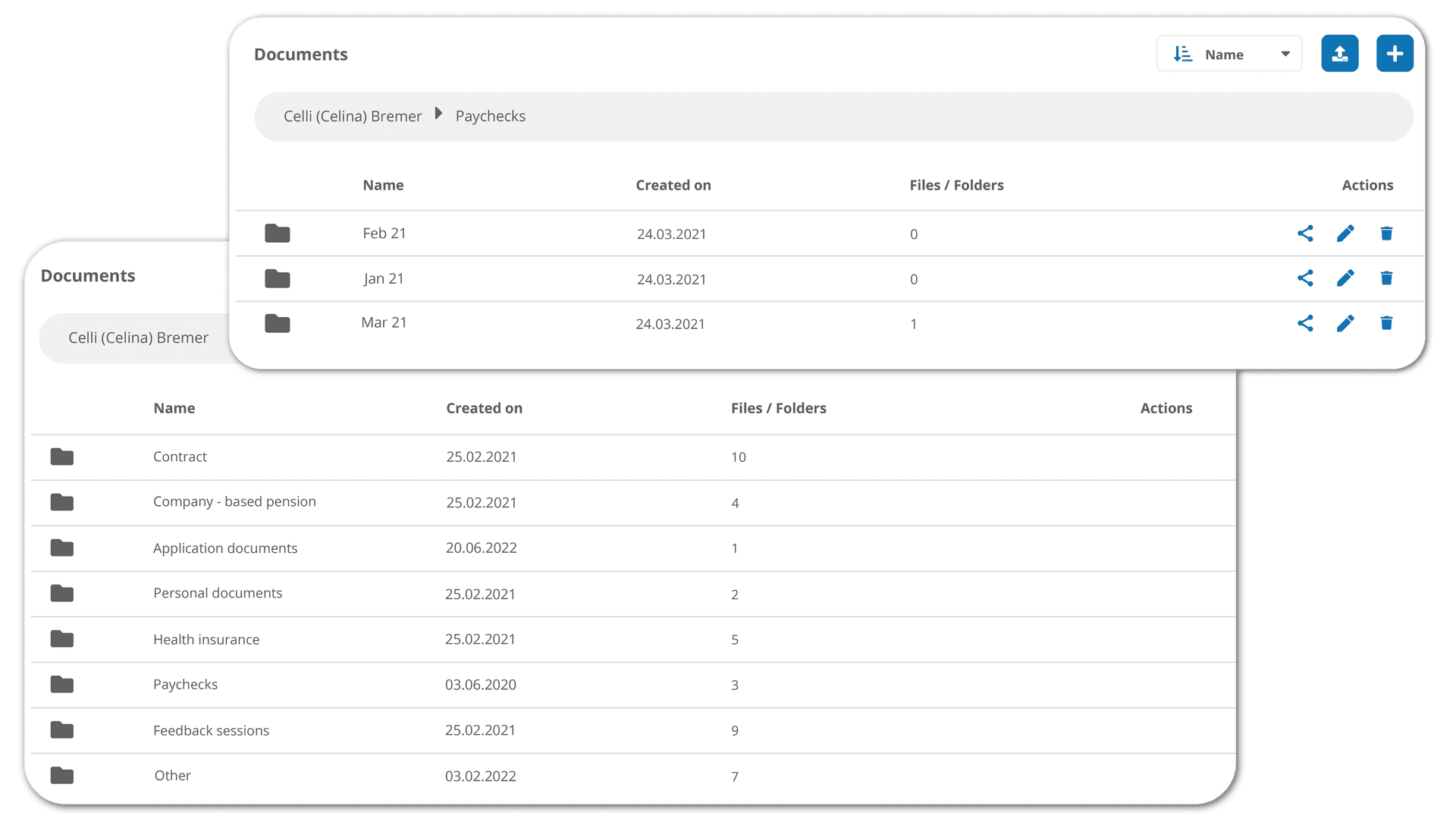
Once the data is in DATEV, the payroll process is completed as usual. The resulting payslips are then made available digitally and automatically in each employee's personal HRlab document archive.
How You Benefit from the DATEV Interface
Accurate Data for Every Payroll Cycle
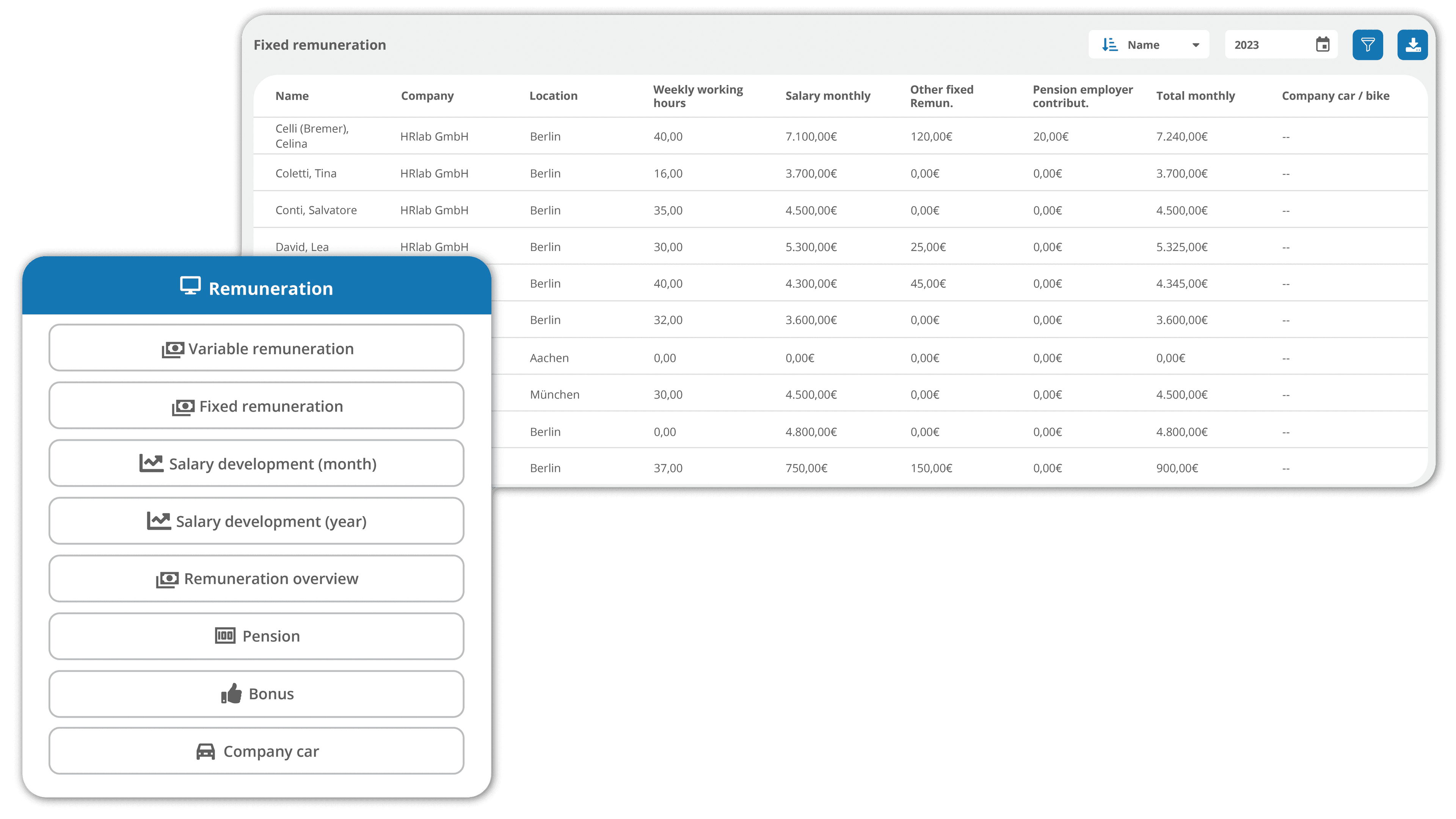
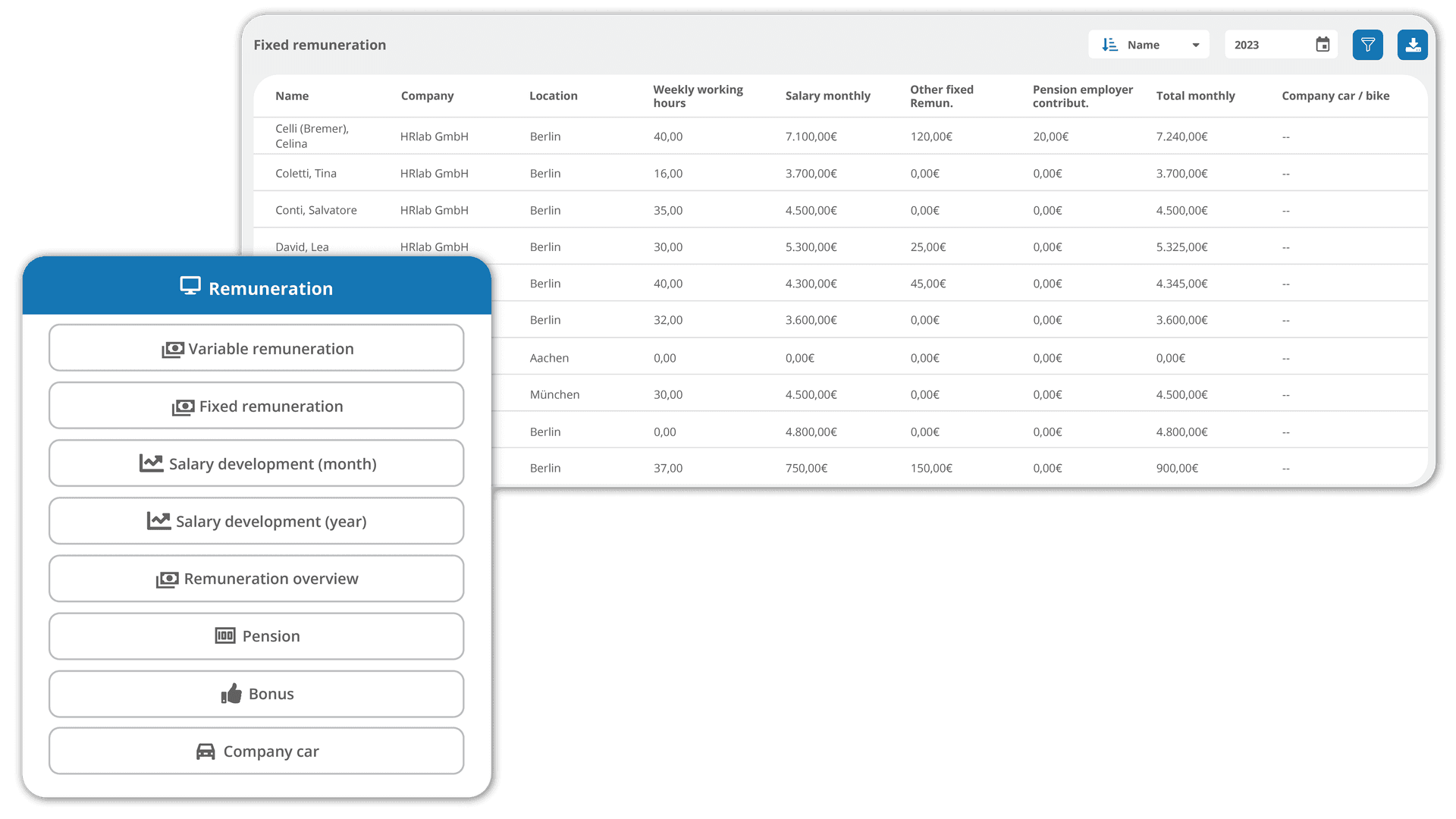
HRlab serves as your single source of truth for payroll-relevant information like salaries, bonuses, and working hours. Data is reliable, structured, and always up to date – ready for transfer to DATEV.
Simple & Secure Data Transfer
The DATEV interface transfers all relevant data in the correct format directly to the DATEV data center. Data is passed on per legal entity, with clearly assigned company and consultant numbers.
Digital Distribution of Payslips
After payroll, payslips and salary documents are automatically available in each employee’s digital personnel file in HRlab – correctly assigned via the employee number.
FAQ
What data can I transfer from HRlab to DATEV?
HRlab supports the transfer of master data (e.g. personal information, tax classes) and transaction data (e.g. hours worked, bonuses, allowances) to DATEV – depending on the selected format.
Which DATEV formats are supported?
You can choose from various formats, including:
- DATEV Lodas (with or without working hours)
- DATEV Lohn & Gehalt
- Separate or combined transfer of master and transaction data This allows the integration to flexibly adapt to your existing payroll setup.
What if my organization works with multiple tax consultants?
HRlab allows you to set up multiple clients (Mandanten) with individual consultant numbers. The data is transferred per entity, ensuring correct processing – even with different accounting firms.
Do I have to trigger the transfer manually each month?
Yes, currently the transfer to DATEV is triggered manually with one click – giving you full control over timing and content. Automated transfers are planned for future updates.