
What is an HRIS? Features, differences and benefits
An HRIS (Human Resources Information System) is software that stores all employee data in one central place and supports your administrative HR processes. It gives everyone a shared database for employee master data, working hours, absences and HR documents.
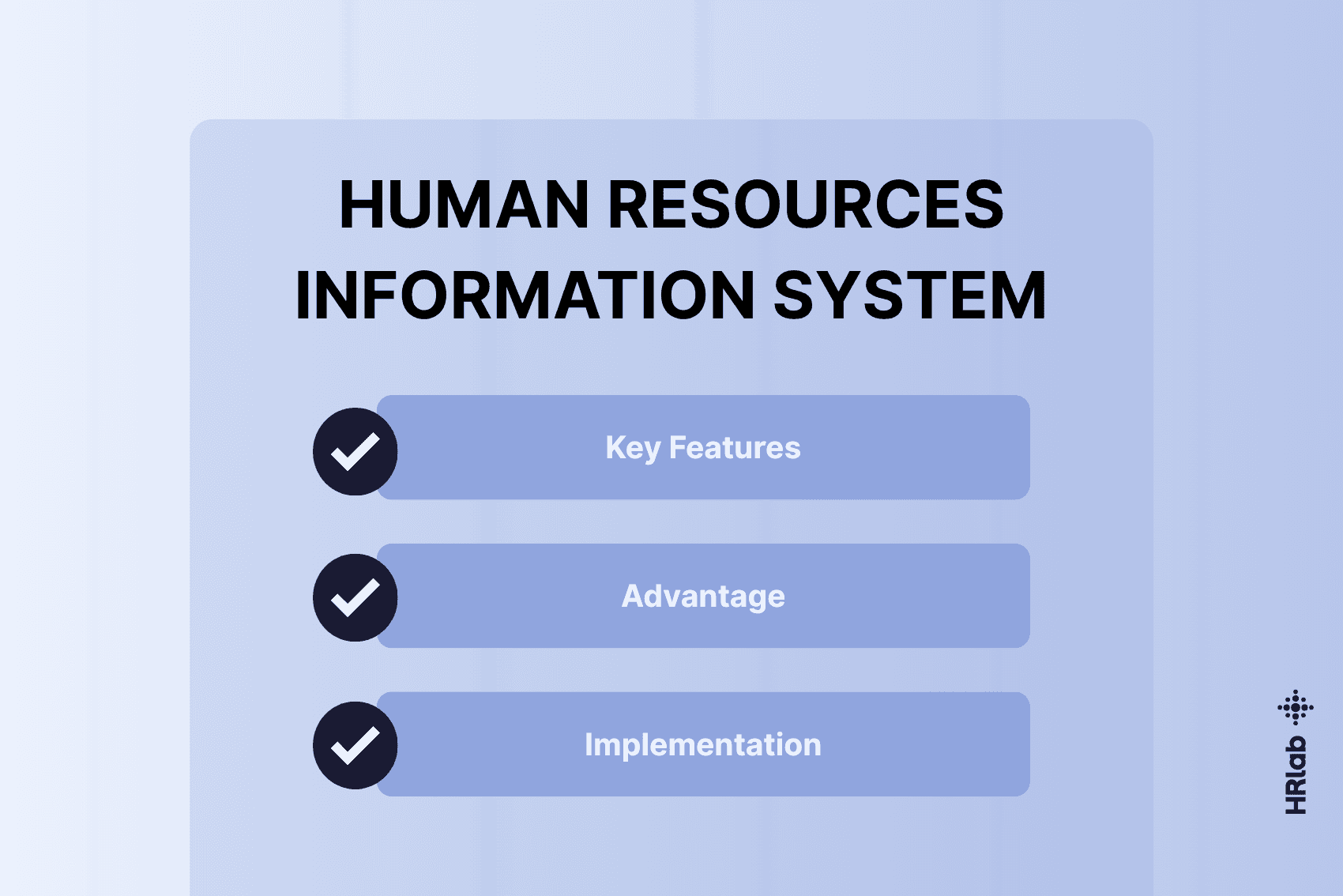
Key takeaways
- An HRIS is the core system of HR administration and your single source of truth: data is entered once and is always up to date for everyone with the right access.
- Typical features include employee master data, a digital employee file, time tracking, absence management, self-service and payroll preparation.
- The terms HRIS, HCM and HRMS aren’t used consistently. HRIS usually refers to HR administration, while HCM also covers talent management.
- Many systems today combine an HRIS core with additional modules.
What is the difference between HR software and an HRIS?
People often use “HR software” and “HRIS” to mean the same thing, but they describe two different levels:
- HR software is the umbrella term for all digital applications used in HR. It ranges from standalone tools, such as a recruiting or feedback tool, to all-in-one HR systems.
- HRIS is a specific category of HR software: the central system for employee master data, HR documents and recurring administrative processes such as employee files, time tracking, absences and payroll preparation.
Rule of thumb: every HRIS is HR software, but not all HR software is an HRIS. For an overview of the different types of HR software and how they’re used, see our article on digital employee management.
Core features of an HRIS
A Human Resources Information System focuses mainly on the quantitative, administrative and legally compliant side of HR. Standard modules include:
- Employee master data and org chart: maintaining all employee profiles (contact details, contracts, emergency contacts) and visualising team and reporting structures.
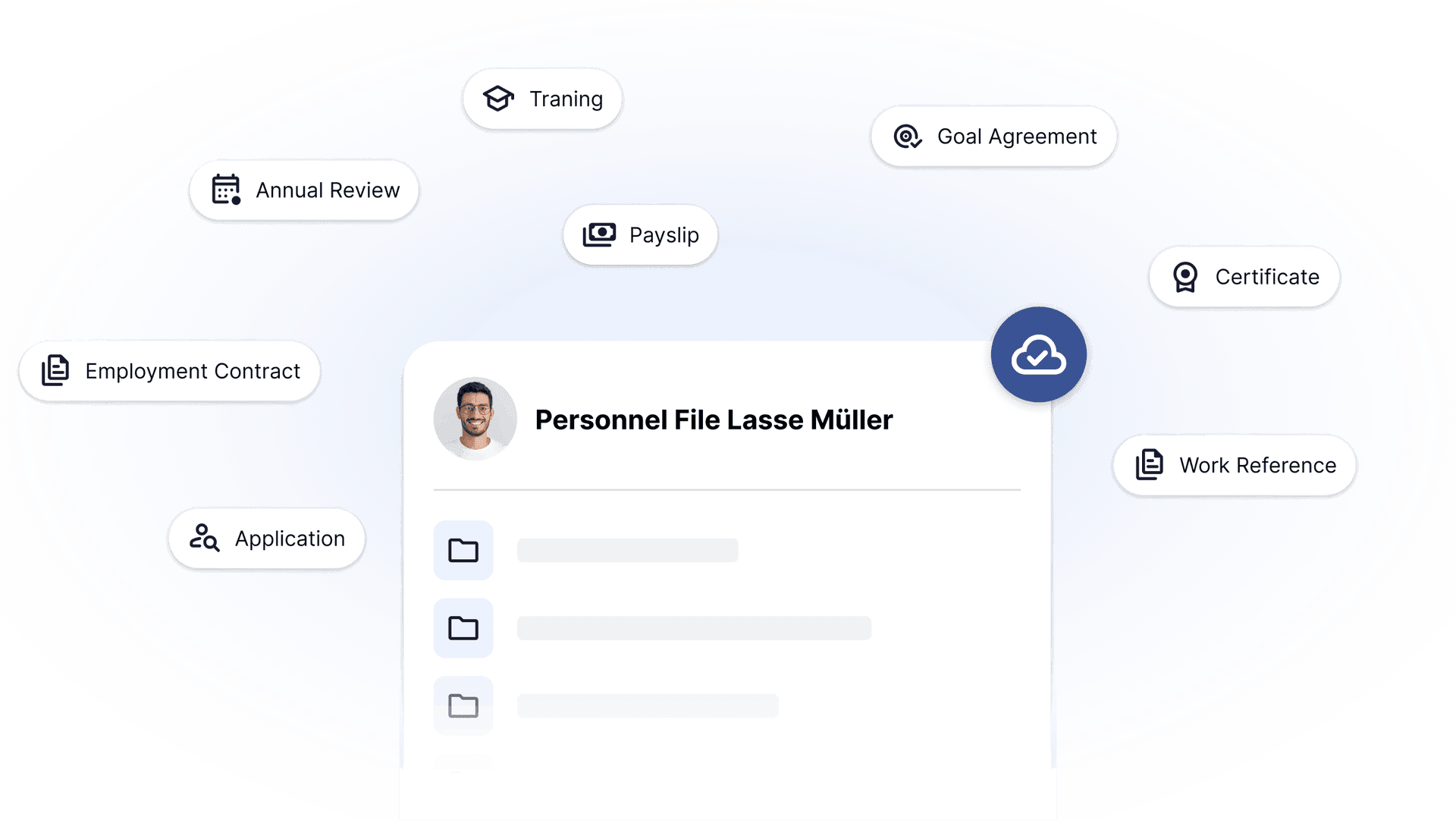
- Digital personnell file: storing contracts, employment references and certificates, with an access rights concept that defines who can see which documents.
- Time tracking: recording working hours, breaks and overtime.
- Absence management: digital requests and approvals for annual leave, special leave and parental leave, plus recording sick leave notifications.
- Payroll preparation: payroll-relevant data such as working hours, absences and salary changes is collected and passed in a structured format to payroll systems or your tax adviser, for example via DATEV.
- Self-service for employees and managers: employees update their own address or bank details, and managers approve requests directly in the system.
HRIS vs. HCM vs. HRMS: one way to tell them apart
The three terms aren’t used consistently in the literature or in vendor marketing. A common distinction looks like this:
*HRIS (Human Resources Information System):
- Focus: employee data and HR administration.
- Typical modules: employee master data, digital employee file, time tracking, absence management, organisational structures.
HCM (Human Capital Management):
Focus: talent management and employee development, usually on top of HRIS features. Typical modules: recruiting, onboarding, performance reviews, training and development, succession planning.
HRMS (Human Resource Management System):
- Focus: managing and controlling HR processes in a single system. Sometimes used as a synonym for HRIS, sometimes for broader systems that include their own payroll.
In practice, the lines are blurred: many vendors start with an HRIS core and add HCM modules. When choosing the right software, what counts is the actual range of features.
HRIS in practice: HRlab as an example
At its core, HRlab is an HRIS with modular HCM extensions that acts as a central platform and single source of truth.
- HRIS core: digital employee file with document and access rights management, org chart, employee self-service and mobile app. This is complemented by time management, including digital time tracking, working time accounts, leave and sickness management, shift planning, business trips and travel expense management.
- Payroll and processes: payroll preparation with interfaces to DATEV LODAS and DATEV Lohn und Gehalt, workflows and task management, people analytics and a whistleblowing system. Other systems can be connected via a REST API.
- HCM extensions: recruiting with applicant tracking, multiposting and a careers page, plus people development with performance reviews, goal setting, training management and 360-degree feedback.
Companies use a system like this as their central foundation: data only needs to be entered once, flows automatically into employment contracts, working time accounts and payroll lists, and is available for strategic HR decisions at the same time.
What are the benefits of using an HRIS?
The biggest benefit: all employee data lives in one place and only needs to be maintained once.
- Fewer data silos: no more scattered Excel lists and paper files, and everyone works with the same information. Support for data protection: roles and permissions control who sees which data, and changes are logged.
- Fewer routine queries: with self-service, employees handle simple changes and requests themselves. Fewer transfer errors: payroll-relevant data goes to payroll via an interface instead of being typed in manually.
- Reports at the click of a button: metrics such as headcount, staff turnover or overtime are ready without manual compilation.
When does it make sense to introduce an HRIS?
An HRIS pays off as soon as manual processes with Excel lists and paper files take more effort than they should. Typical signs that it’s time to switch to a professional HRIS:
- No clear overview of current holiday entitlements and sick leave
- High coordination and correction effort for monthly payroll
- Uncertainty about GDPR compliance and access rights to employee data
- Growing documentation effort as teams and locations expand